
Native iOS · podcasts
Listen deep. Stay informed. Nothing extra.
LunarCast is for long interviews and the tech stories behind them. Out of the box you get a curated lens—think Moonshots, Lex Fridman, conversations with Elon when they ship as podcasts, and Innermost Loop—without turning your queue into an endless suggestions rail.
Prefer your own lineup? Add any show by RSS. Your library, your rules.
Built for people who re-listen to long interviews and want a calm player—not a billboard.
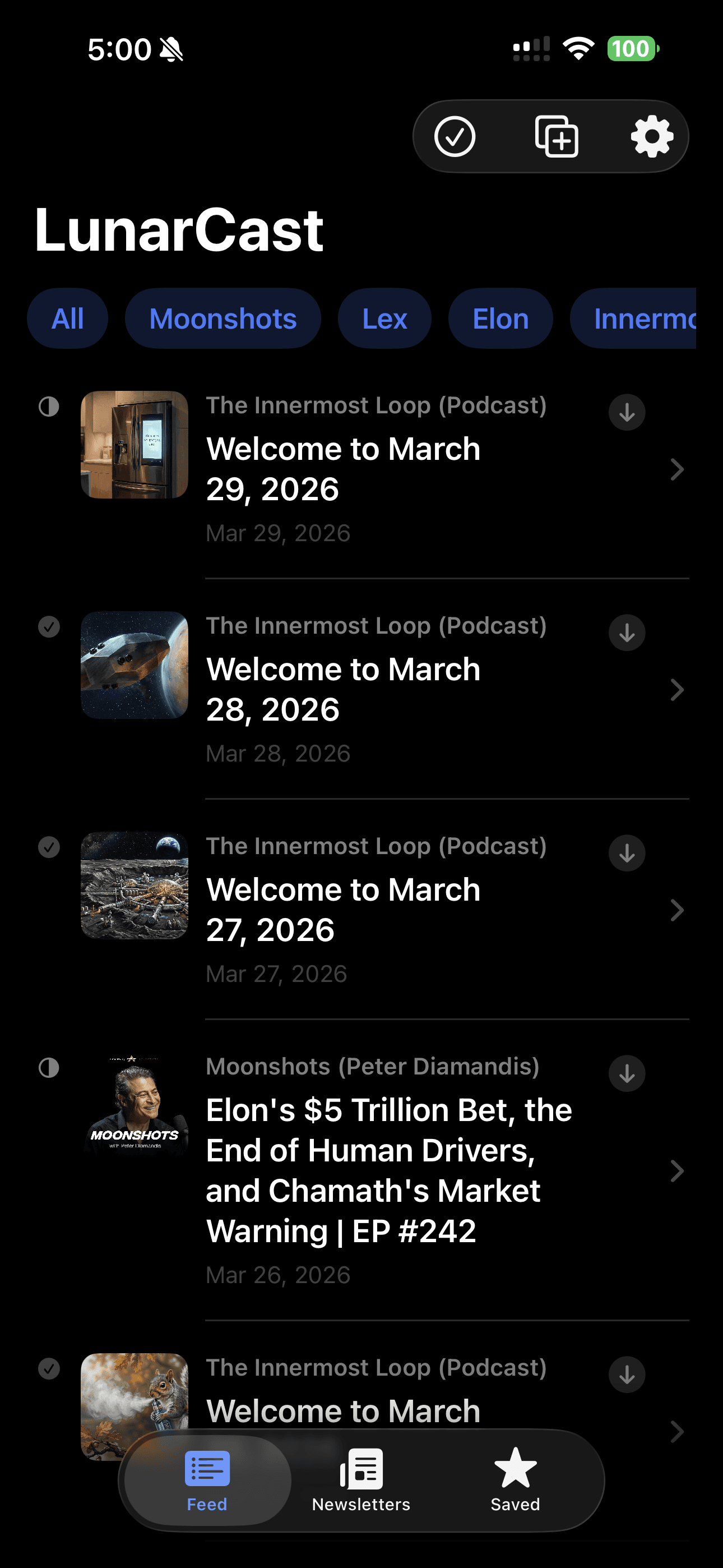
In the app
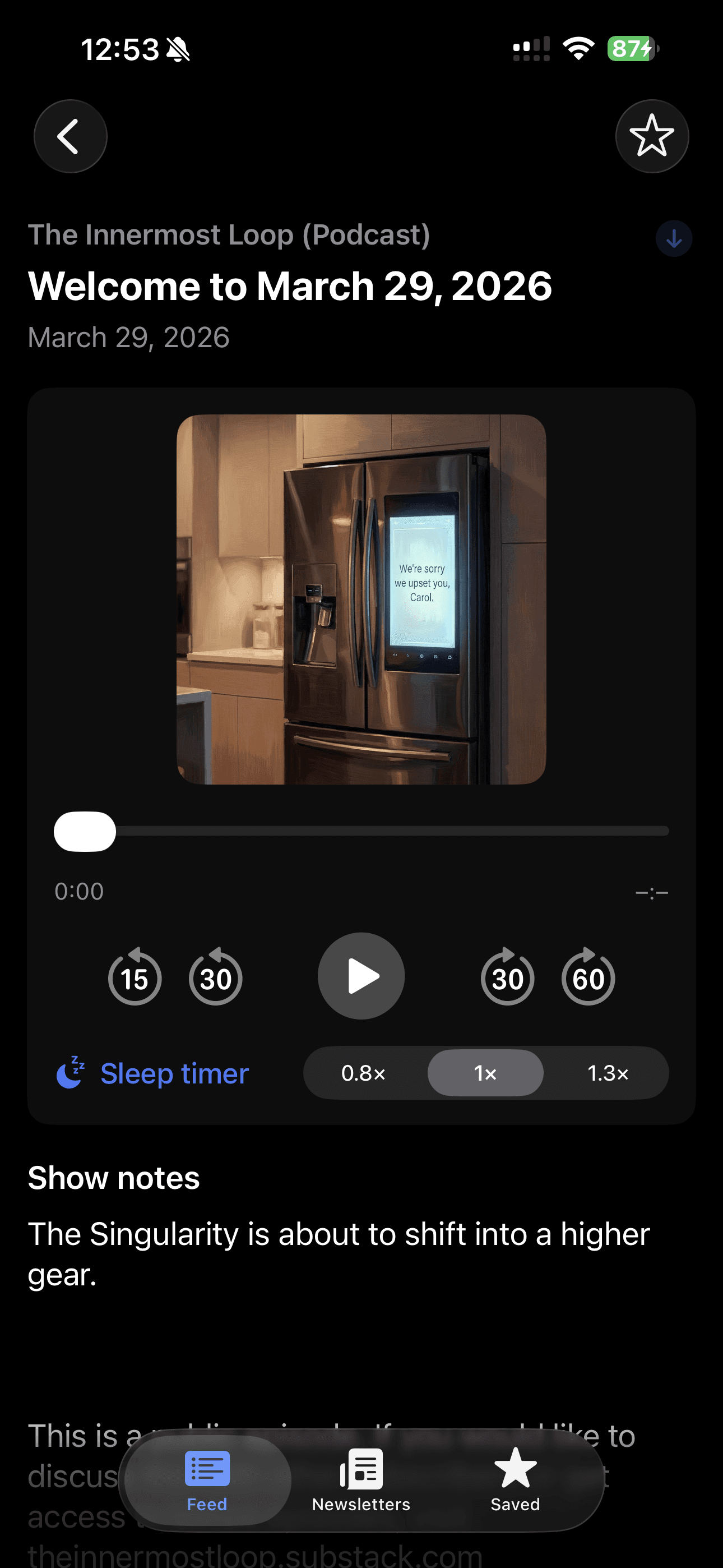
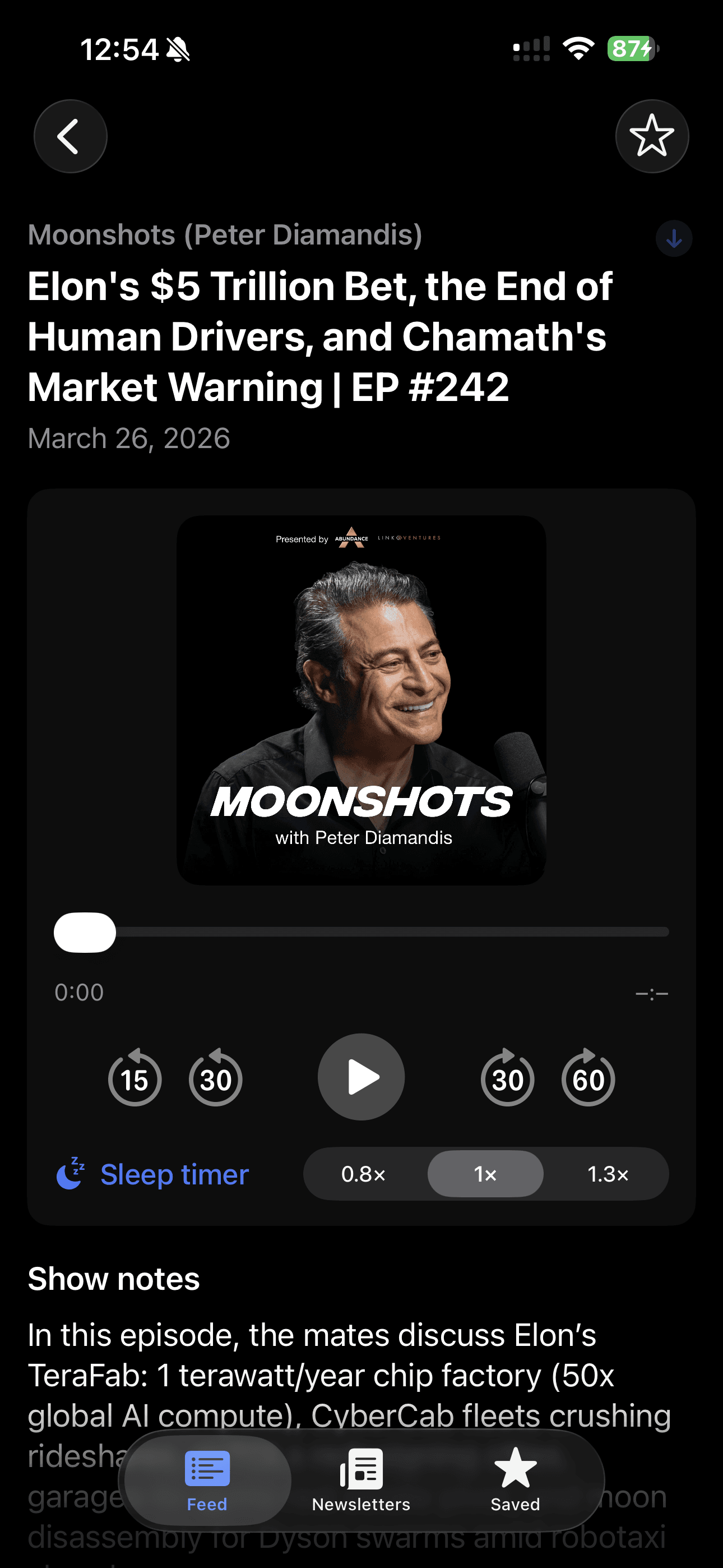
A few real screens—no mockups, no decoration beyond the phone frame.
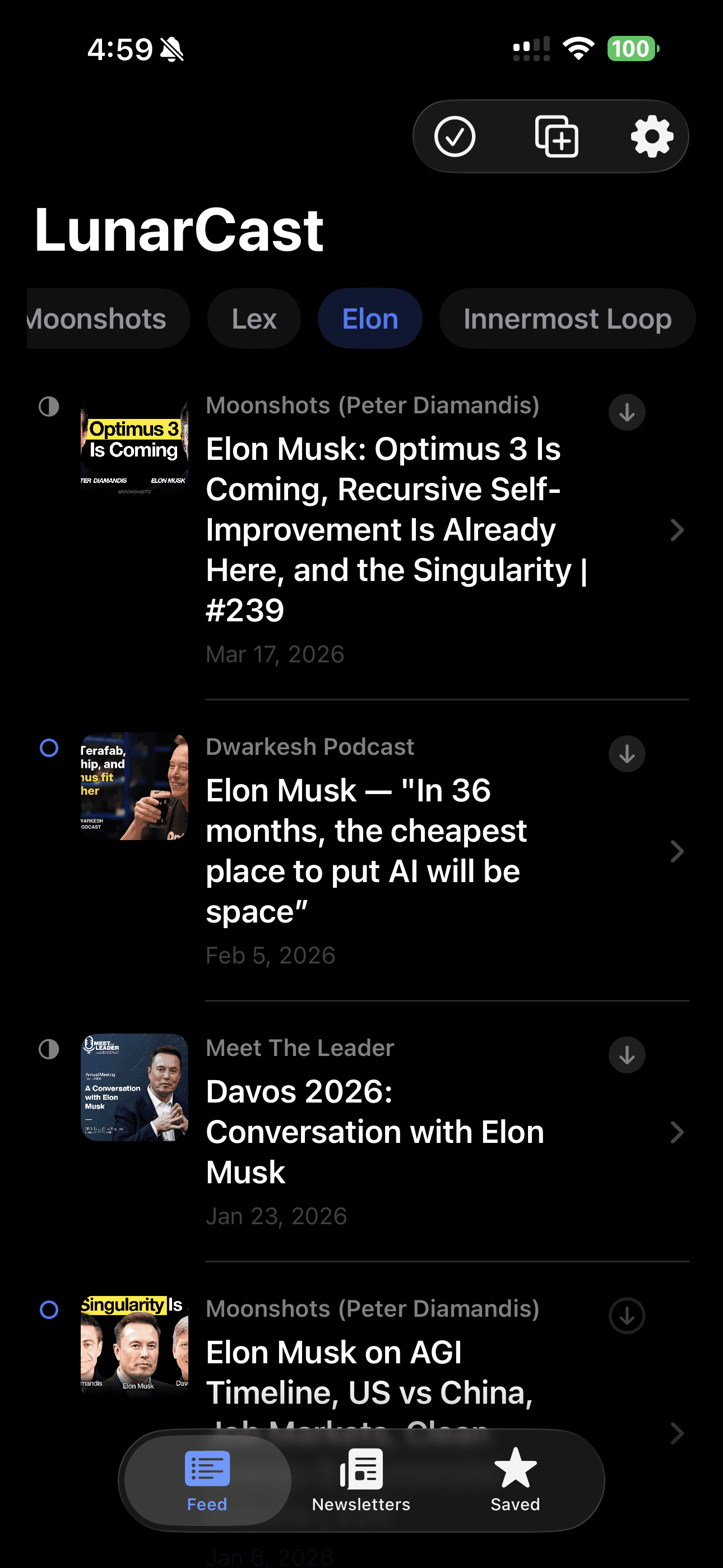
A curated Elon Musk feed—long interviews and shows worth relistening to. Built for ourselves, and we figured you might like it too. 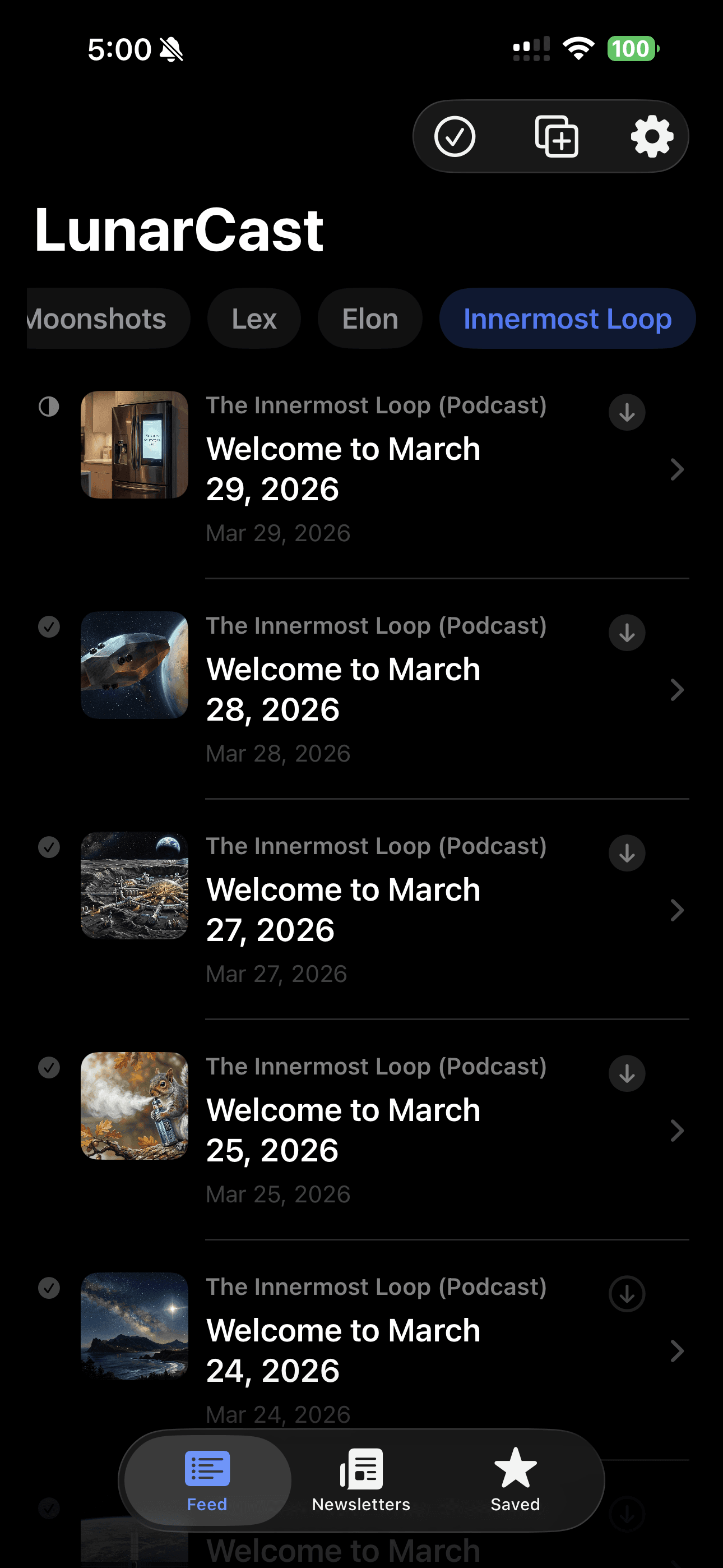
What it is
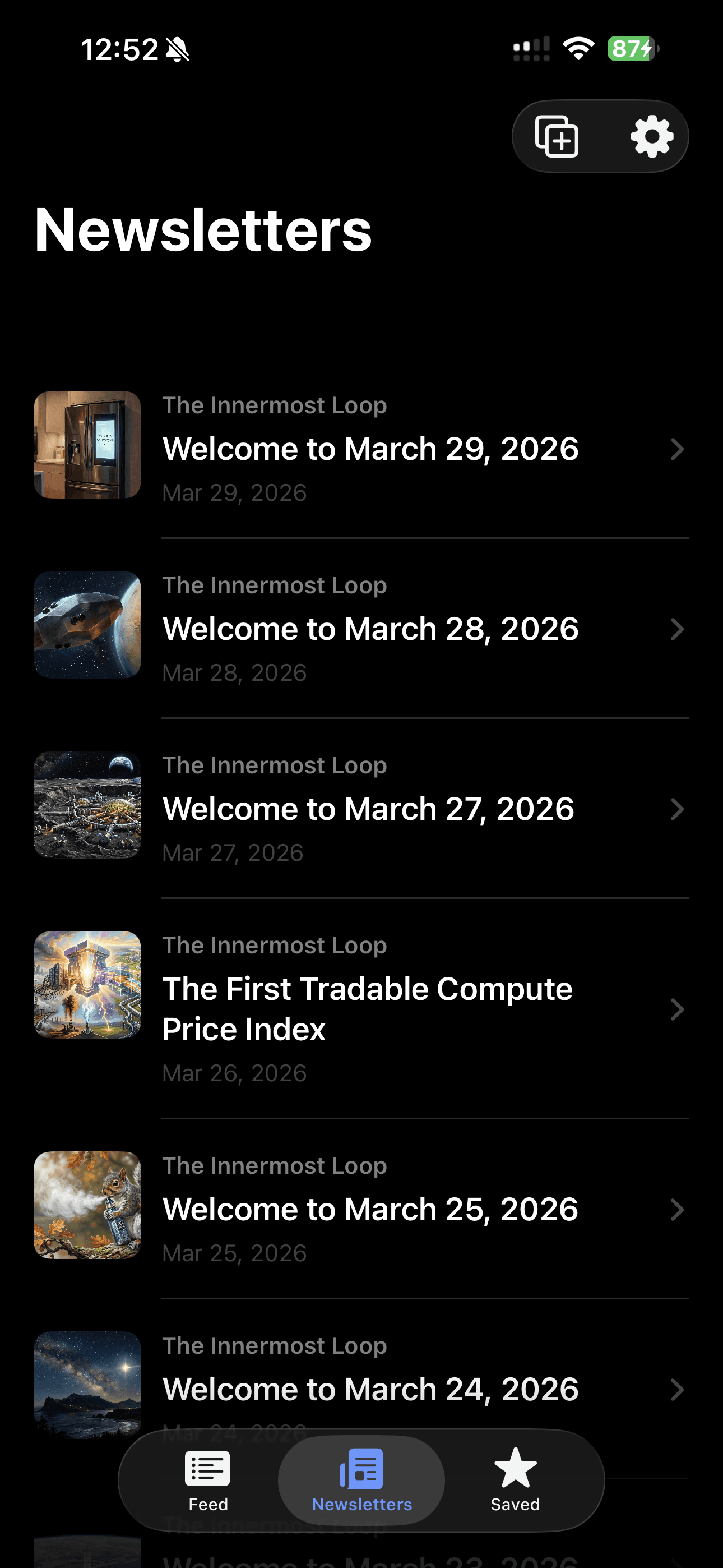
A curated lens on quality audio, not an infinite firehose. You open the app to listen on purpose. News and updates live in their own space—read the signal now, hit play when you have the time.
What it isn’t
- No ads in the player or between episodes.
- No “discover” pressure—nothing gets slipped into your queue because an algorithm wants growth.
- No spammy notifications. The app does not need to shout to feel useful.
- No dark patterns. Premium is restraint, not tricks.
This app vs typical podcast apps
A straight comparison. No scorecard, no smug chart.
| Topic | LunarCast | Many others |
|---|---|---|
| Ads | None in the experience we ship. | Often interleaved or in the UI. |
| Suggestions | No feed of recommendations you did not ask for. | Rows of promoted or “you might like” shows. |
| Queue | Yours. Autoplay stays predictable. | Easy for extra episodes to appear without a clear ask. |
| News vs play | Separate surfaces: read when skimming, listen when settled. | Often one busy screen trying to do everything. |
Listening and news, kept apart
Playback stays quiet and focused. When you want headlines and context, you read them in a dedicated newsfeed. Two modes, one idea: stay current without breaking the rhythm of a two-hour conversation.
Your shows, under your controls
Add podcasts with an RSS URL. Keep the catalog you already trust.
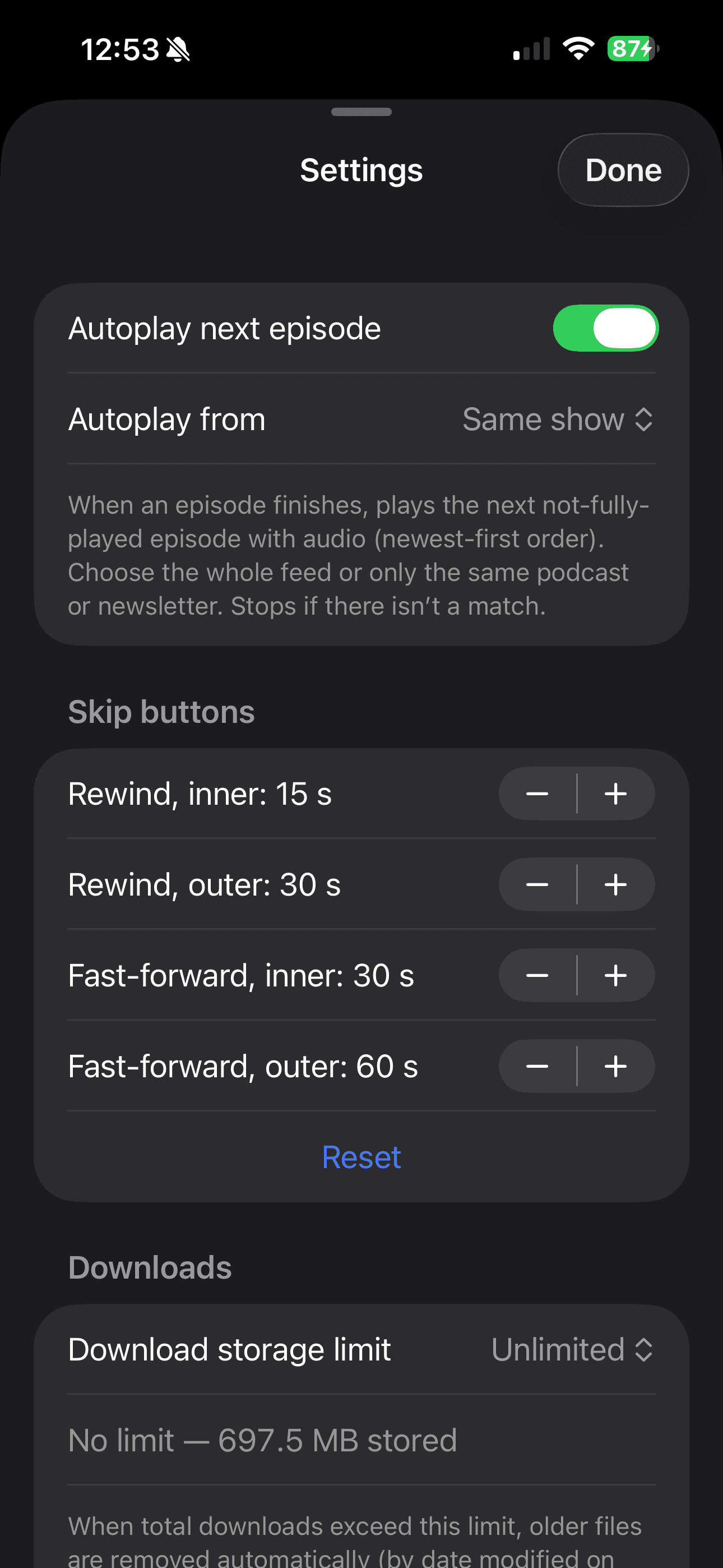
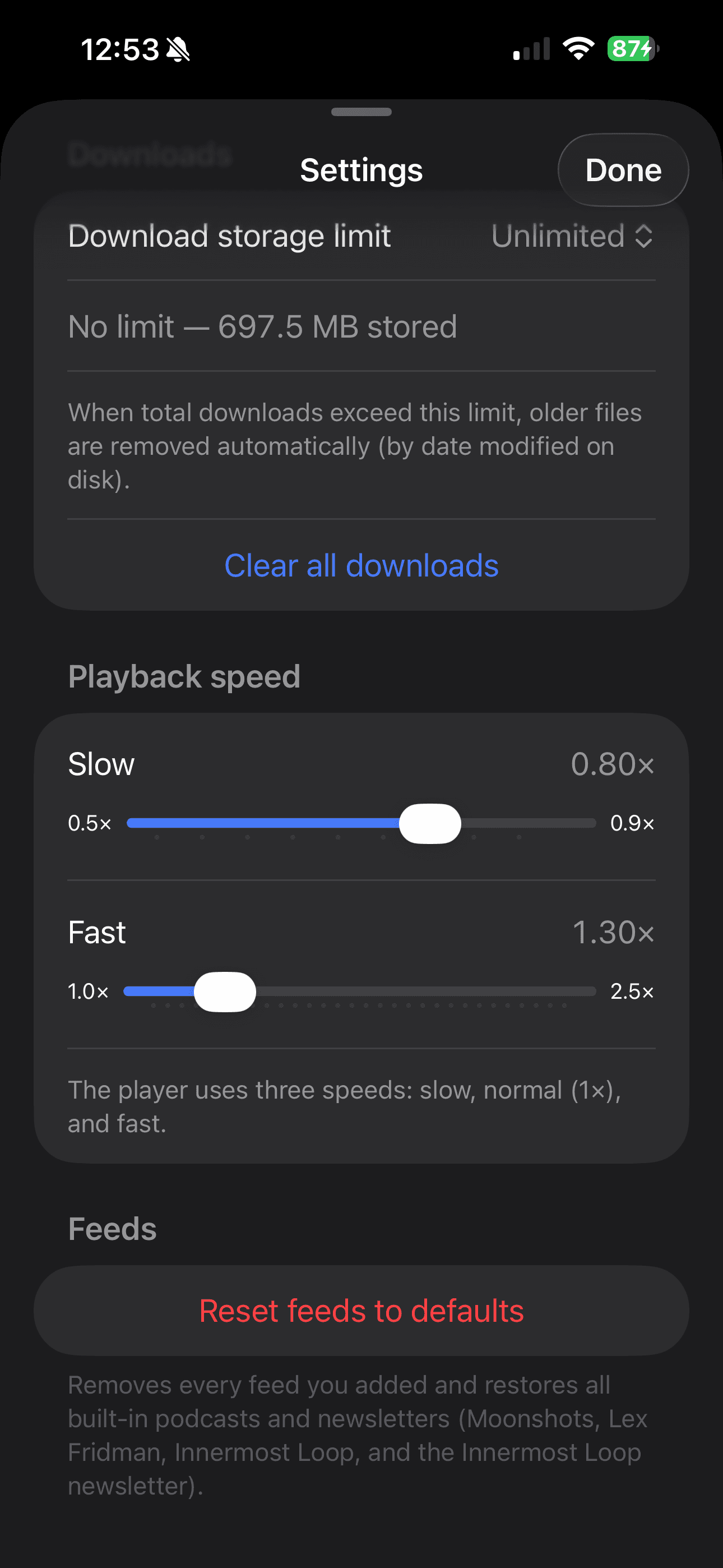
The player respects how you actually listen: change playback speed, set skip forward and back to the intervals you like, and let the next episode start when you are ready—without surprise insertions.
Tuned the way you listen
Customization is not buried behind marketing screens. Set skip lengths for dense interviews vs. lighter shows, pick a default playback speed, and control autoplay so your queue stays yours. Bring your own podcasts via RSS; the defaults are optional, not mandatory.
Privacy and no-ad promise
LunarCast is shaped around a simple deal: your attention is not for sale to advertisers, and we do not monetize listening history for marketing. We built this for ourselves and to spread optimistic, well-grounded stories about humanity’s future—privacy is part of that same intent. Read the full privacy page.